Discover how to craft the ultimate bedroom gaming PC setup, balancing performance with comfort and practicality. This comprehensive guide helps busy adult gamers navigate space constraints, budget considerations, and the latest tech trends of 2026. Learn to optimize your gaming experience for relaxation, social connection, and skill-building without sacrificing valuable living space or disrupting your life. We cover everything from ergonomic design and cable management to quiet components and smart upgrades, ensuring your personal gaming sanctuary is both powerful and peaceful. Dive into expert advice on maximizing limited space, choosing the right hardware for your needs, and integrating gaming seamlessly into your daily routine. Get ready to transform your bedroom into an efficient and immersive gaming haven.
How to choose the right desk for a bedroom gaming PC setup?
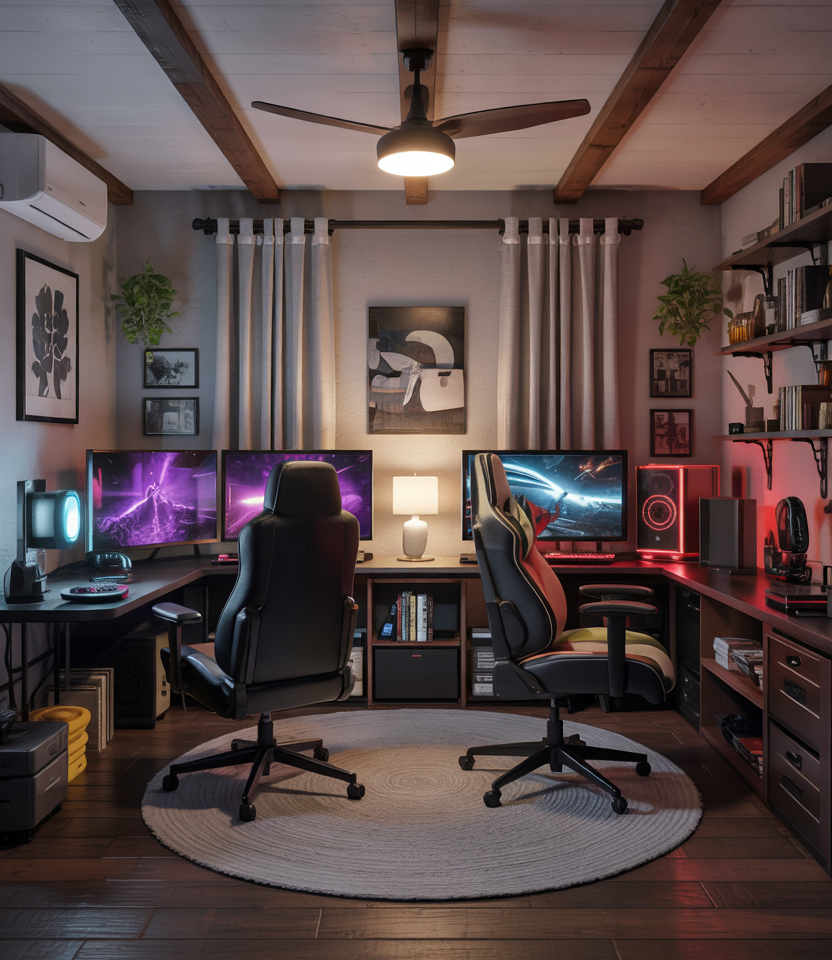
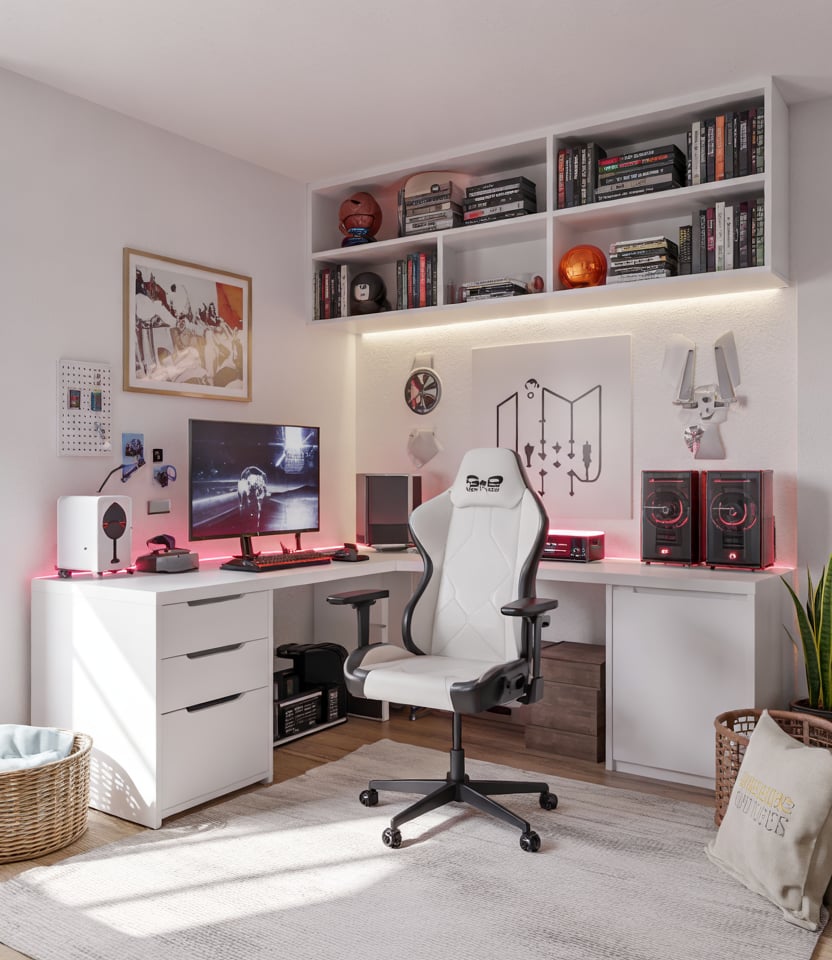
When selecting a desk for your bedroom gaming PC setup, prioritize space efficiency and functionality. Look for desks with built-in storage, monitor risers, or L-shaped designs to maximize corner space. Measure your available area carefully, considering both the desk footprint and room for your chair. Ergonomics are key; ensure the desk height allows for comfortable typing and viewing angles, ideally with adjustable features or a compatible gaming chair. Consider durability and material, opting for sturdy surfaces that can support your gear. A clean, minimalist design often works best in a bedroom to prevent visual clutter.
What are the best tips for keeping a gaming PC quiet in a bedroom?
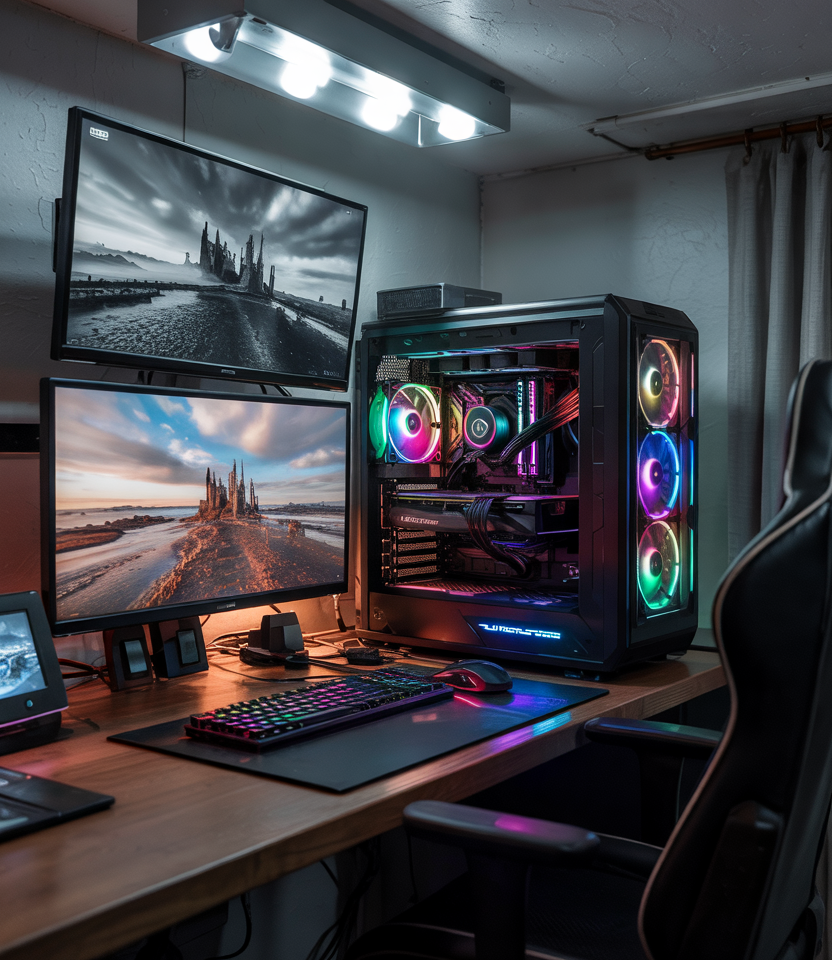
Keeping a gaming PC quiet in a bedroom involves a multi-faceted approach. Firstly, invest in components known for low noise, such as silent case fans, a quiet CPU cooler (like a good AIO liquid cooler), and a GPU with efficient, quiet fan profiles. Select a PC case with sound-dampening features or good vibration isolation. Utilize fan control software to set custom fan curves that prioritize quiet operation at idle and during light loads. Regularly clean your PC to prevent dust buildup, which can force fans to work harder and louder. Lastly, strategic placement, like positioning the PC away from your bed, can further reduce perceived noise.
How can I optimize lighting for a comfortable bedroom gaming experience?
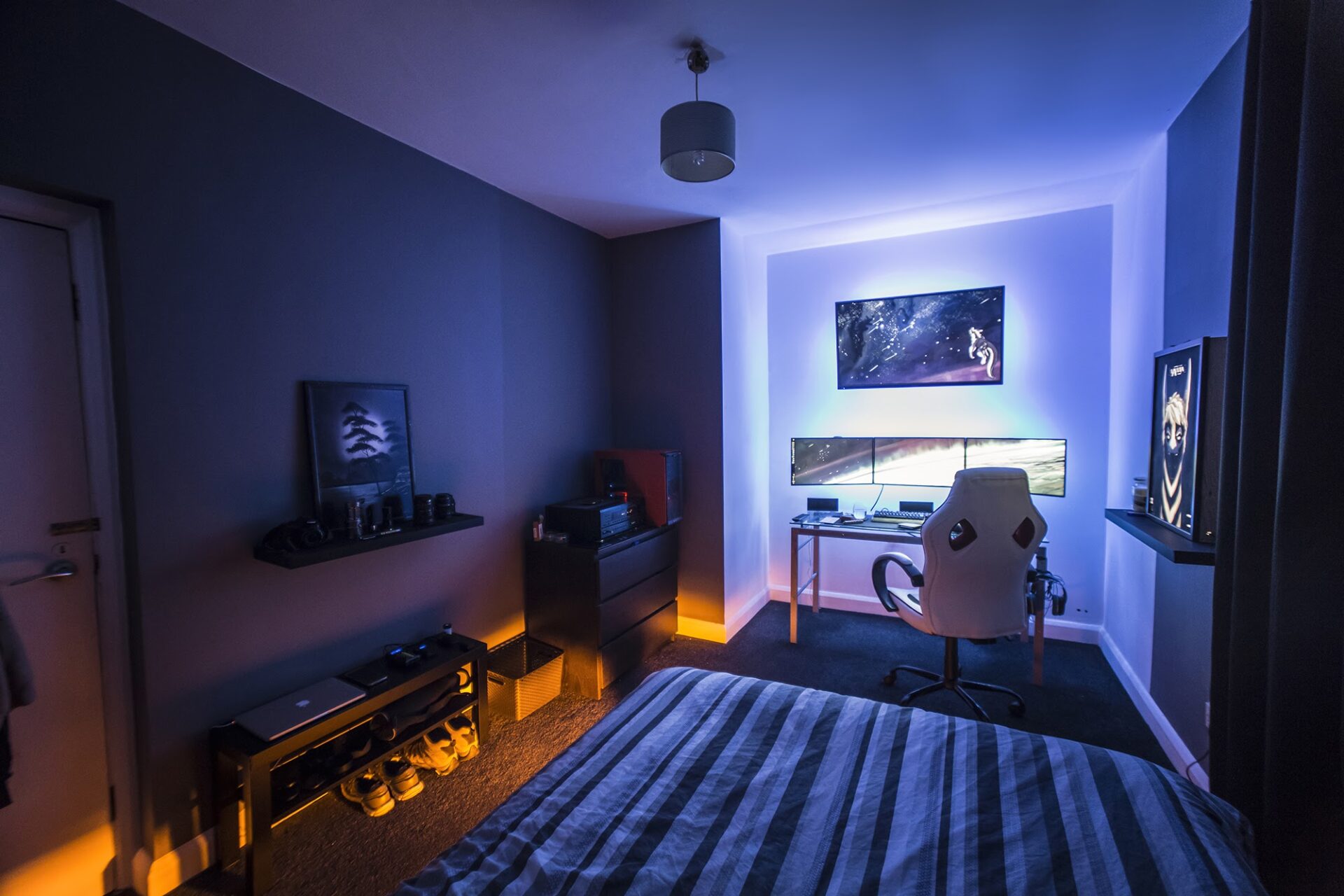
Optimizing lighting for a comfortable bedroom gaming experience involves balancing immersion with eye health. Avoid direct overhead lights that can cause glare on your monitor. Instead, opt for bias lighting behind your monitor (LED strips are popular) to reduce eye strain and enhance contrast, especially in a dark room. Ambient lighting, such as smart lamps or RGB light strips, can create a personalized atmosphere without being distracting. Use dimmable lights to adjust brightness based on the time of day or game type. Ensure there's no harsh light source directly behind or in front of your screen that could cause reflections or discomfort.
What's the ideal monitor setup for a bedroom gaming PC?
The ideal monitor setup for a bedroom gaming PC balances screen size, resolution, and refresh rate with your available space and budget. For most bedroom setups, a single 24 to 27-inch monitor is perfect. A 24-inch 1080p monitor with a 144Hz+ refresh rate is excellent for competitive gaming. For a more immersive experience, a 27-inch 1440p monitor at 144Hz+ provides a significant visual upgrade without being too large. Consider an IPS panel for better color accuracy and viewing angles. If space permits, a curved ultrawide can offer incredible immersion but requires careful desk planning. Always ensure your GPU can comfortably drive your chosen resolution and refresh rate.
How do I ensure good ventilation for my gaming PC in a potentially enclosed bedroom space?
Ensuring good ventilation for your gaming PC in a potentially enclosed bedroom space is critical to prevent overheating and maintain performance. Choose a PC case with ample airflow, featuring mesh panels and good fan mounts (front intake, rear/top exhaust). Position your PC tower where it has at least a few inches of clearance on all sides, especially for intake and exhaust vents; avoid tucking it into tight compartments. Consider adding extra case fans if temperatures are high. Regularly clean dust filters and internal components to maintain optimal airflow. Monitoring your CPU and GPU temperatures with software is essential to verify effective cooling in your specific bedroom environment.
What are the best wireless peripherals for a clean bedroom gaming PC setup?
For a clean bedroom gaming PC setup, high-quality wireless peripherals are a game-changer. Look for gaming mice with low-latency 2.4GHz wireless connectivity from brands like Logitech (Lightspeed) or Razer (Hyperspeed) for a responsive, lag-free experience. Wireless gaming keyboards, also with 2.4GHz dongles, offer similar performance while eliminating cable clutter. For audio, a good wireless gaming headset provides immersive sound and clear communication without tangled wires. Consider a wireless charging mouse pad to keep your mouse powered up effortlessly. Ensure all chosen peripherals have excellent battery life or easy charging options to prevent interruptions during your gaming sessions.
How can I maintain a tidy and organized bedroom gaming area?
Maintaining a tidy and organized bedroom gaming area requires consistent habits and smart solutions. Implement effective cable management from the start, using ties, sleeves, and cable trays to hide wires. Regularly declutter your desk by putting away peripherals, controllers, and anything not immediately in use. Utilize desk organizers, monitor risers with storage, and drawer units to keep smaller items contained. A small trash can near your desk is handy. Make it a routine to wipe down surfaces and dust your PC components weekly. A clean and organized space not only looks better but also promotes a clearer mind, making your gaming sessions more enjoyable and relaxing.
For many of us, the days of sprawling dedicated gaming rooms are a distant memory, replaced by the reality of jobs, families, and shared living spaces. Yet, the desire for that immersive, stress-relieving gaming experience remains stronger than ever. If you are among the 87% of US gamers who play regularly, often dedicating 10+ hours a week, and find yourself needing to carve out your digital sanctuary within your bedroom, you are in the right place. We understand the unique challenges: the need for a powerful rig that doesn't overwhelm your sleeping space, the importance of quiet components, and the constant juggle of balancing game time with real-world responsibilities. This guide is built for you, the adult gamer (average age ~36), who values relaxation, fun, and connecting with friends online, all while seeking performance without the hype.
We will tackle common pain points head-on: how to achieve a high-performance bedroom gaming PC setup without breaking the bank or creating a visual mess, and how to enjoy your passion without disturbing others or sacrificing precious space. From optimizing your layout for ergonomics to smart hardware choices and effective cable management, we will provide practical, actionable solutions. By the end, you will have a clear roadmap to create a bedroom gaming oasis that fits seamlessly into your life, enhancing your downtime and keeping you connected to the gaming world without compromising your comfort or peace of mind. Let's build that perfect setup.
How Can I Design an Ergonomic Bedroom Gaming PC Setup in a Small Space?
Designing an ergonomic bedroom gaming PC setup in a small space is all about intelligent furniture selection and mindful component placement. Start with a desk that maximizes vertical space or features smart storage solutions, such as a monitor riser with drawers or an L-shaped desk that fits snugly into a corner. Opt for a comfortable, supportive gaming chair that is also compact and can be tucked away when not in use. Adjustable monitor arms are a game-changer; they free up desk space and allow for optimal screen height and distance, reducing neck and eye strain. Remember to keep frequently used peripherals within easy reach to maintain good posture and minimize unnecessary movement during long gaming sessions.
What are the Essential Components for a Budget-Friendly Bedroom Gaming PC?
Building a budget-friendly bedroom gaming PC doesn't mean sacrificing performance entirely. Focus on core components that deliver the best bang for your buck. A good mid-range CPU, like an AMD Ryzen 5 or Intel Core i5 from the last generation, paired with a solid mid-tier GPU such as an NVIDIA RTX 3060 or AMD RX 6700 XT, provides excellent 1080p to 1440p gaming performance for most titles in 2026. Aim for 16GB of DDR4 or DDR5 RAM and a fast 1TB NVMe SSD for quick boot times and game loading. Don't skimp on a reliable power supply unit (PSU) or a case with good airflow. Look for sales and consider refurbished parts from reputable vendors to stretch your budget further.
How Do I Manage Cable Clutter for a Clean Bedroom Gaming Setup?
Cable clutter can quickly turn a tidy bedroom setup into a chaotic mess. Effective cable management is crucial for aesthetics and airflow. Start by using cable ties, Velcro straps, and cable sleeves to bundle wires neatly. Mount a power strip underneath your desk using adhesive strips or screws to keep outlets off the floor. Cable management trays or channels can be attached to the desk's underside to route wires out of sight. Consider wireless peripherals like a gaming mouse, keyboard, and headset to drastically reduce visible cables. For monitors, use built-in cable management features or cable clips along the monitor arm to keep wires taut and hidden. A clean setup not only looks better but also promotes better air circulation around your components.
What are the Best Practices for Soundproofing My Bedroom Gaming Area?
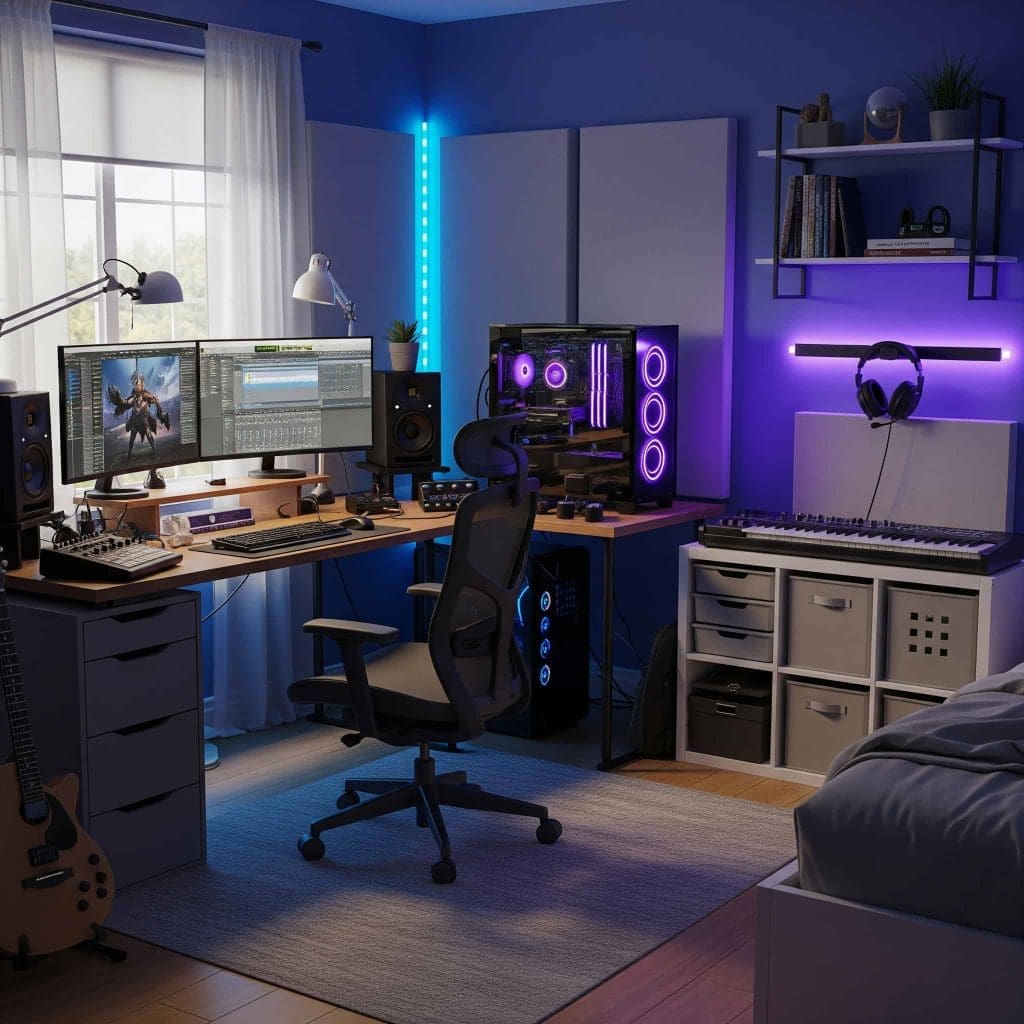
Keeping your bedroom gaming setup quiet is paramount, especially when balancing late-night sessions with family life. The first step is selecting quiet components: low-noise CPU coolers (air or AIO liquid coolers with silent fans), quiet case fans, and GPUs known for good cooling and low coil whine. Consider a PC case with sound-dampening panels. For ambient noise, acoustic foam panels or bass traps strategically placed on walls can absorb sound reflections. Heavy curtains can also help dampen external noise. Position your PC tower further away from your bed or the shared wall if possible. Using closed-back gaming headphones provides an immersive experience for you while preventing sound leakage for others.
How Can I Optimize My PC's Performance for a Smooth Bedroom Gaming Experience?
Optimizing your PC's performance ensures you get the most out of your hardware for a smooth bedroom gaming experience. Regularly update your graphics drivers and operating system. Keep your storage drives defragmented (for HDDs) or trimmed (for SSDs). Monitor your CPU and GPU temperatures using software like MSI Afterburner or HWMonitor; excessive heat can throttle performance. Ensure your PC case has good airflow with properly oriented fans to prevent thermal throttling. Close unnecessary background applications before launching a game. Adjust in-game graphic settings to strike a balance between visual quality and frame rate. Overclocking your CPU or GPU can provide a performance boost, but proceed with caution and proper cooling.
What Games are Best for Gamers with Limited Time in a Bedroom Setup?
For adult gamers with limited time, choosing the right games is key to maximizing enjoyment. Look for titles with satisfying short play sessions, clear objectives, or engaging co-op/multiplayer modes that allow for quick matches. Games like Among Us, Rocket League, or Fall Guys are perfect for quick social bursts. Story-driven indie games often offer compelling narratives without requiring hundreds of hours. 'Cozy games' are also trending, offering relaxing experiences that can be picked up and put down easily. Many free-to-play titles, such as Valorant or Apex Legends, provide competitive fun without a huge upfront investment. The growing popularity of mobile gaming also highlights the demand for accessible, time-friendly experiences, mirroring this need for PC gamers.
How Do I Balance My Gaming Hobby with Family and Work Responsibilities?
Balancing a gaming hobby with family and work responsibilities requires discipline and clear communication. Establish set gaming times that do not conflict with family commitments or critical work tasks. Communicate your gaming schedule with your family so they know when you will be occupied. Use gaming as a reward after completing important tasks or as a way to de-stress after a long day. Consider social gaming as a way to connect with friends, turning it into a shared activity rather than an isolated one. Many gamers find that joining a casual guild or community helps them manage their time by having scheduled play sessions. Remember, gaming should enhance your life, not detract from it; setting boundaries is essential.
When Should I Upgrade My Bedroom Gaming PC Components on a Budget?
Upgrading your bedroom gaming PC on a budget means making strategic choices rather than replacing everything. Generally, consider an upgrade when your current setup struggles to maintain playable frame rates (e.g., below 60 FPS at your desired resolution) in new games, or when key components become a bottleneck. Prioritize GPU upgrades first, as they often provide the biggest performance leap. Next, consider RAM (if you have less than 16GB) or a faster SSD. CPU upgrades are usually less impactful unless you are several generations behind. Look for clearance sales, previous-generation components, or used parts from trusted sources to save money. Monitor tech news for new releases, as older generations often drop in price after new hardware launches.
How Can I Incorporate Social Gaming and Streaming into My Bedroom Setup?
Incorporating social gaming and even light streaming into your bedroom setup is easier than ever with modern technology. Discord is the go-to platform for voice chat and community building, easily integrated into any PC setup. For streaming, start with free software like OBS Studio. A good quality webcam and a dedicated USB microphone (even a budget-friendly one) significantly improve your audio and video presence. Ensure your internet connection is robust enough for streaming alongside gaming. For a bedroom, consider a clamp-on microphone arm to save desk space and position your mic optimally. Focus on engaging with your audience and friends, whether through co-op games or just chatting, to build a fun social experience.
What are the Latest Trends for Bedroom Gaming PC Setups in 2026?
The landscape of bedroom gaming PC setups in 2026 is driven by several key trends. We are seeing a strong push towards minimalist and compact designs, as gamers seek powerful rigs that blend seamlessly into their living spaces. Wireless technology continues to advance, leading to cleaner, cable-free setups. RGB lighting remains popular but is now often integrated more subtly for ambient effects rather than overt flashes. The rise of hybrid setups supporting both PC and mobile gaming (with phone mirroring or cloud gaming integration) caters to the 60% of US gamers who play across multiple platforms. AI-powered upscaling (like DLSS and FSR) allows for stunning visuals on mid-range hardware, making high-fidelity gaming more accessible. Finally, sustainability and modularity are growing concerns, with more focus on energy-efficient components and easily upgradeable systems.
We have covered a lot, from making the most of your space to picking the right parts and balancing your gaming passion with life's demands. Remember, your bedroom gaming PC setup should be a reflection of your needs: a place for relaxation, connection, and skill-building without the stress. It's about smart choices, not just brute force hardware. What is your biggest gaming challenge in your current setup? Comment below and let's help each other out!
FAQ Section
How important is airflow in a compact bedroom gaming PC?
Airflow is crucial in a compact bedroom gaming PC because smaller spaces and potentially less ventilated areas can lead to higher component temperatures. Good airflow prevents thermal throttling, extending the lifespan of your hardware and maintaining consistent performance. Proper fan placement and cable management are key.
Can I use a laptop as my primary bedroom gaming PC?
Yes, many gamers use high-performance gaming laptops as their primary bedroom gaming PC. They offer portability and can be easily connected to external monitors, keyboards, and mice for a desktop-like experience. Ensure it has adequate cooling and a powerful GPU for your gaming needs.
What is a good screen size for a bedroom gaming monitor?
For a bedroom gaming monitor, 24-27 inches is often ideal. It strikes a balance between immersion and not overwhelming a smaller space. For competitive gaming, a 24-inch 144Hz+ monitor is popular. For more immersive single-player experiences, a 27-inch 1440p monitor offers a great visual upgrade.
Should I use Wi-Fi or Ethernet for my bedroom gaming setup?
Whenever possible, use an Ethernet connection for your bedroom gaming setup. It provides a more stable, lower-latency connection compared to Wi-Fi, which is crucial for online multiplayer games. If Ethernet is not feasible, invest in a high-quality Wi-Fi 6E adapter and router for the best wireless performance.
Are standing desks suitable for bedroom gaming setups?
Yes, standing desks are excellent for bedroom gaming setups, offering ergonomic benefits by allowing you to switch between sitting and standing. This can improve comfort and reduce fatigue during long sessions. Look for a compact model with quiet motors if sharing a bedroom.
How often should I clean my bedroom gaming PC?
It's recommended to clean your bedroom gaming PC every 3-6 months. Dust accumulation can impede airflow and increase temperatures, especially in a bedroom environment. Use compressed air to clear dust from fans, heatsinks, and vents, ensuring optimal performance and longevity.
Optimizing small spaces for gaming PCs, budget-friendly component selection, ergonomic setup for comfort, effective cable management, sound reduction strategies for quiet gaming, balancing gaming with personal life, latest gaming tech trends 2026, social gaming integration.
35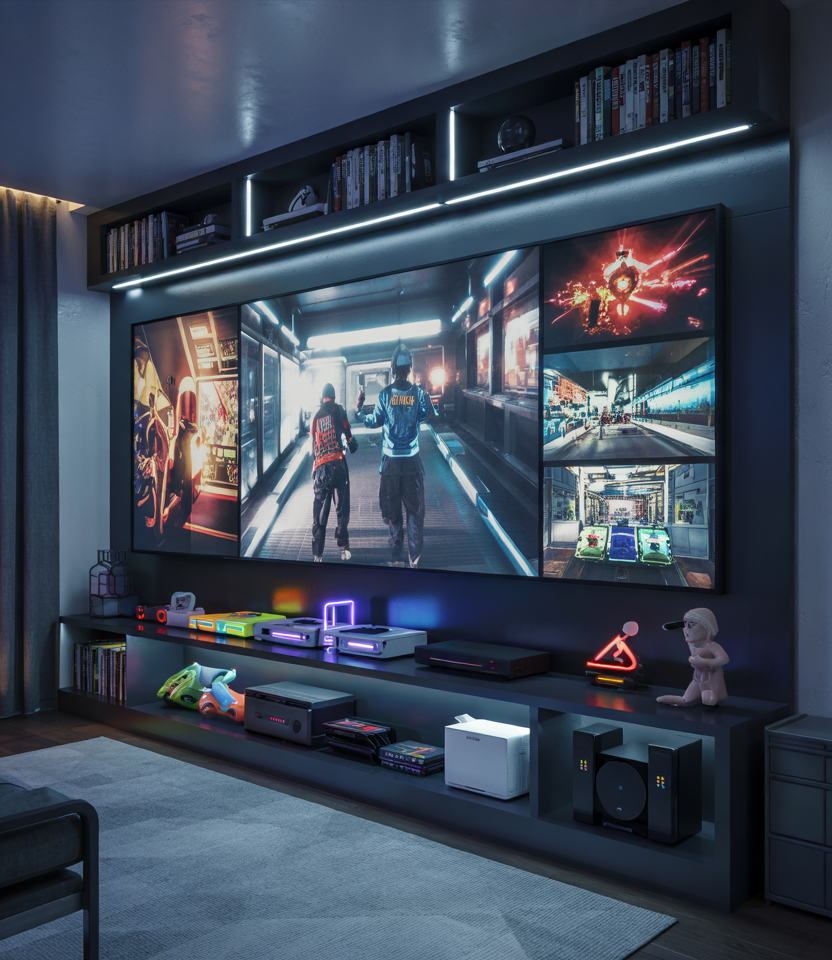
Gaming Room Setup 2026 Luxury Minimalist Cozy Bedrooms Ideas For 11 16.webp. Gaming Room Setup 2026 Luxury Minimalist Cozy Bedrooms Ideas For 6 20.webp. Gaming Room Setup 2026 Luxury Minimalist Cozy Bedrooms Ideas For 25 14.webp. Gaming Room Setup 2026 Luxury Minimalist Cozy Bedrooms Ideas For 03 19.webp. Gaming Room Setup 2026 Luxury Minimalist Cozy Bedrooms Ideas For 10 7
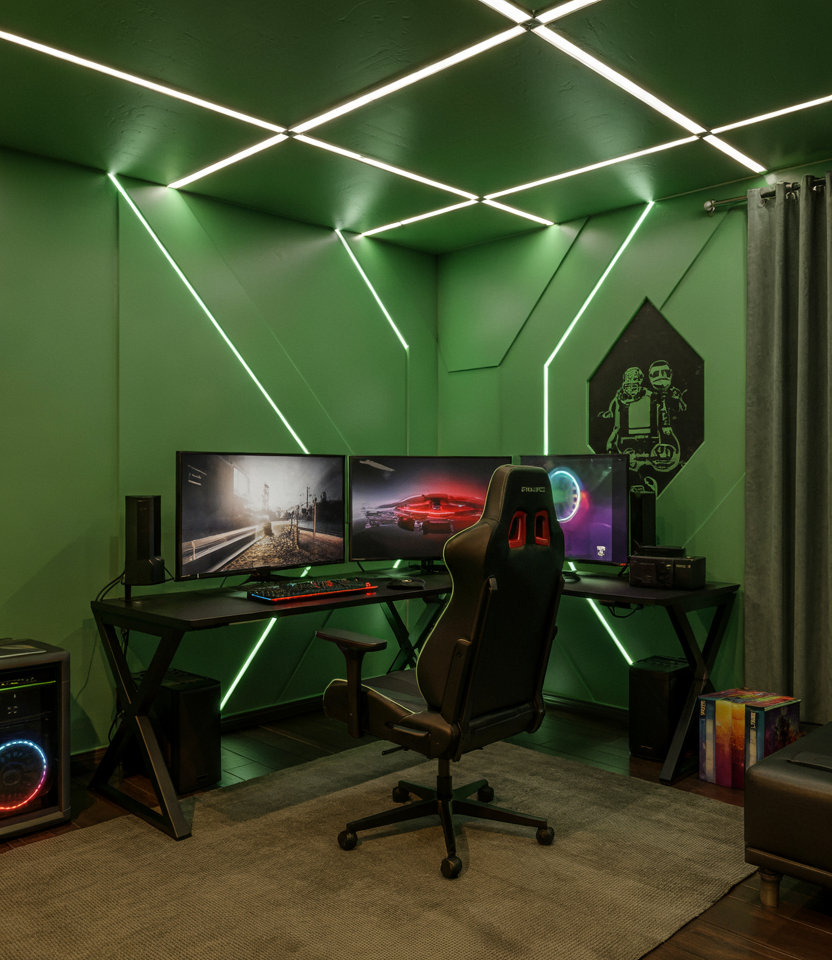

Gaming Room Setup 2026 Luxury Minimalist Cozy Bedrooms Ideas For 4 18.webp. Bedroom Gaming Pc Setup Img . 25 Bedroom Gaming Setup Ideas Jiffy Junk Gemini Generated Image 1024x1024 . Gaming Room Setup 2026 Luxury Minimalist Cozy Bedrooms Ideas For 15 15.webp. 30 Stunning Gaming Bedroom Ideas
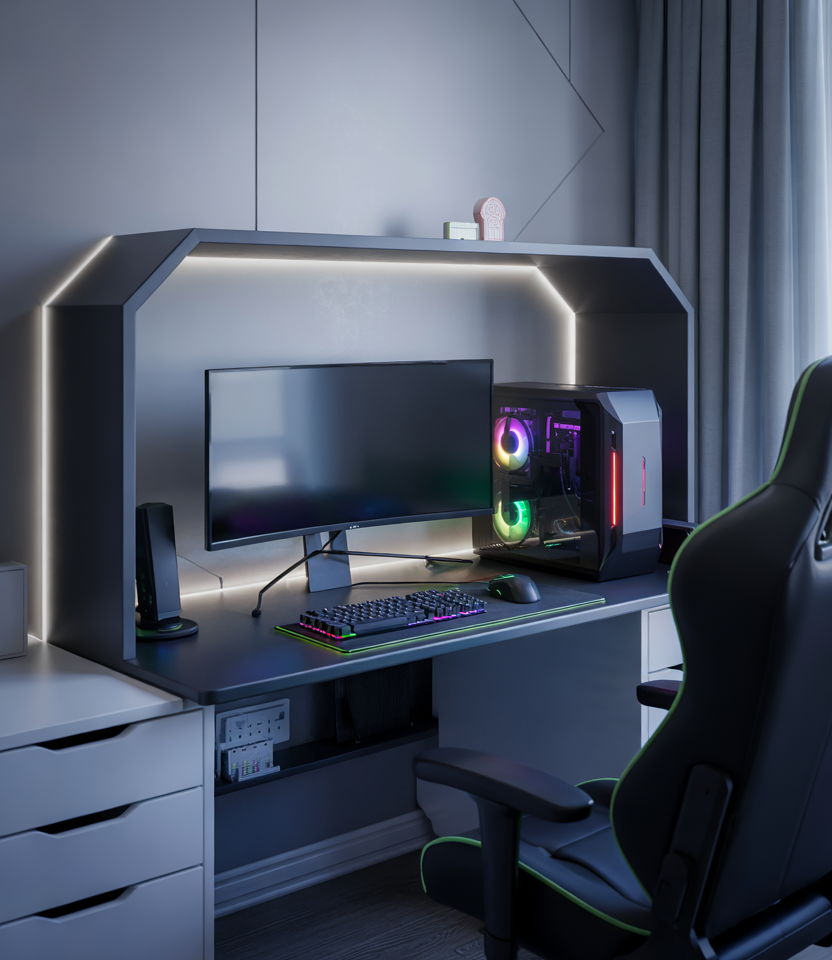
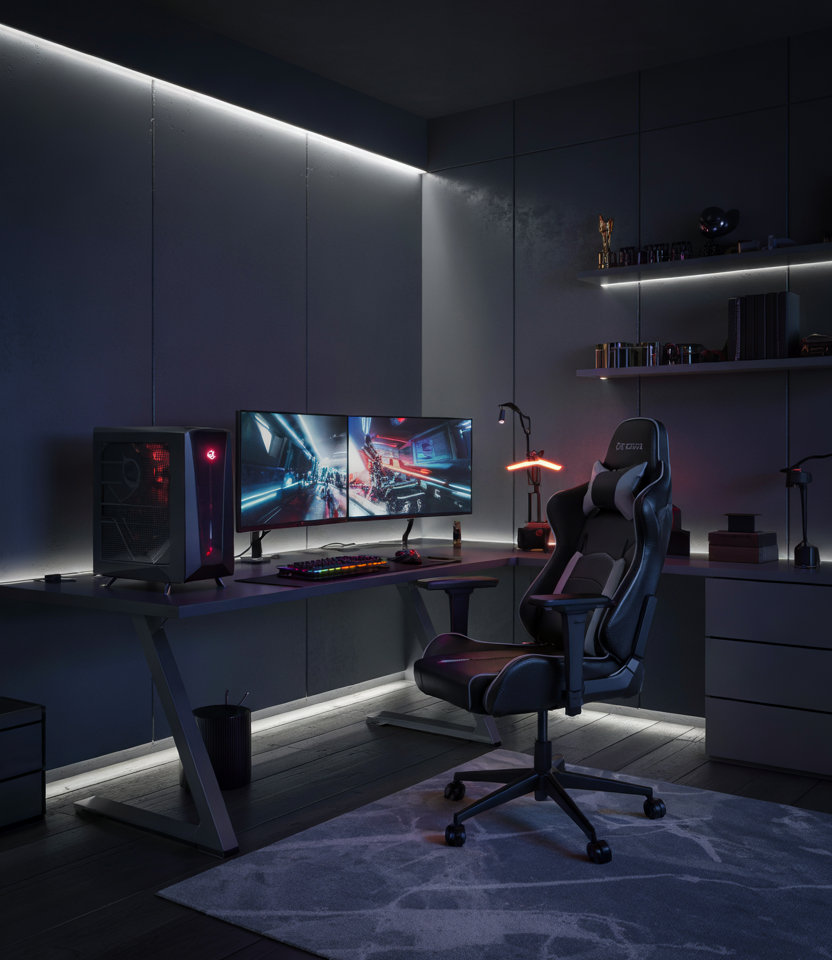
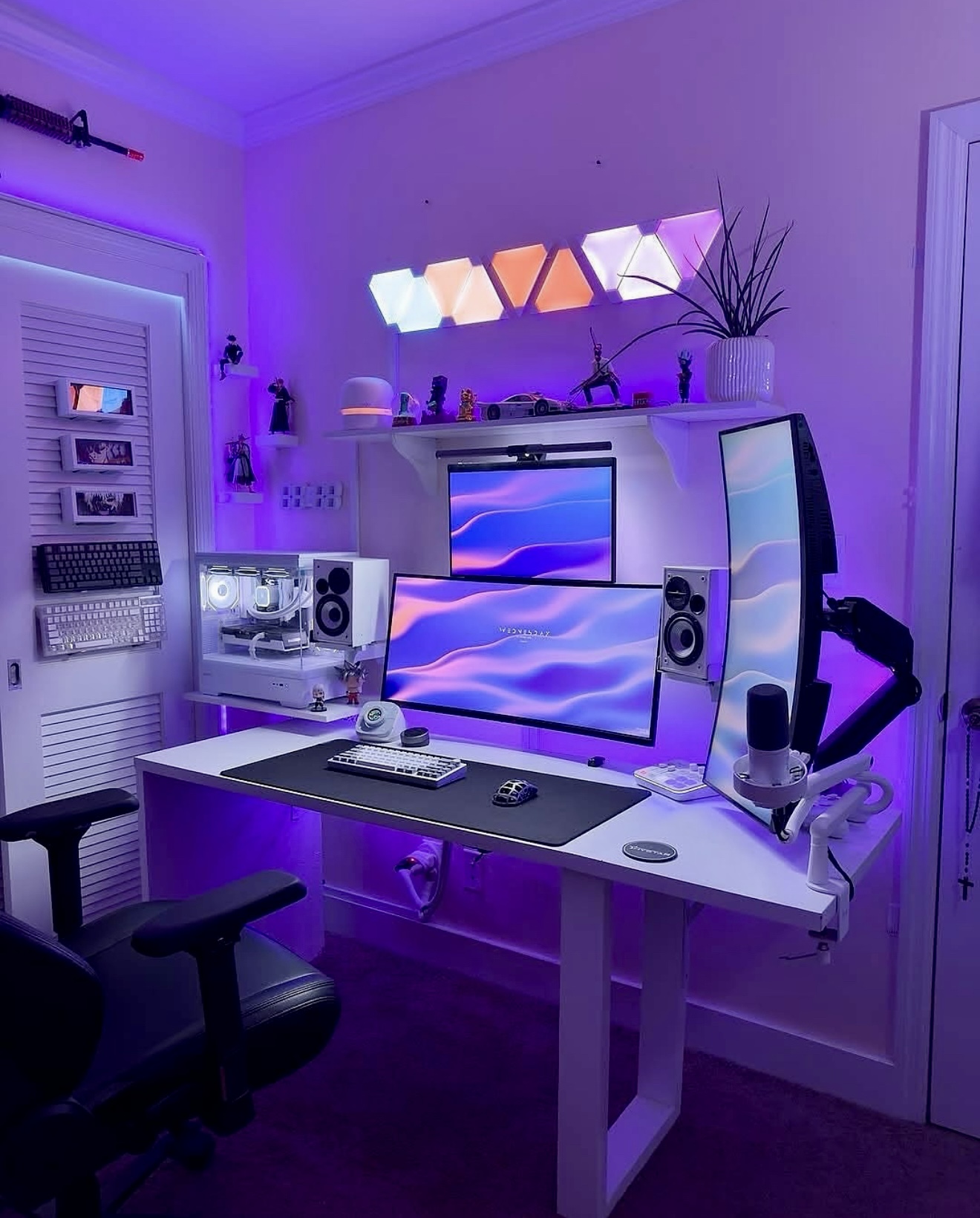
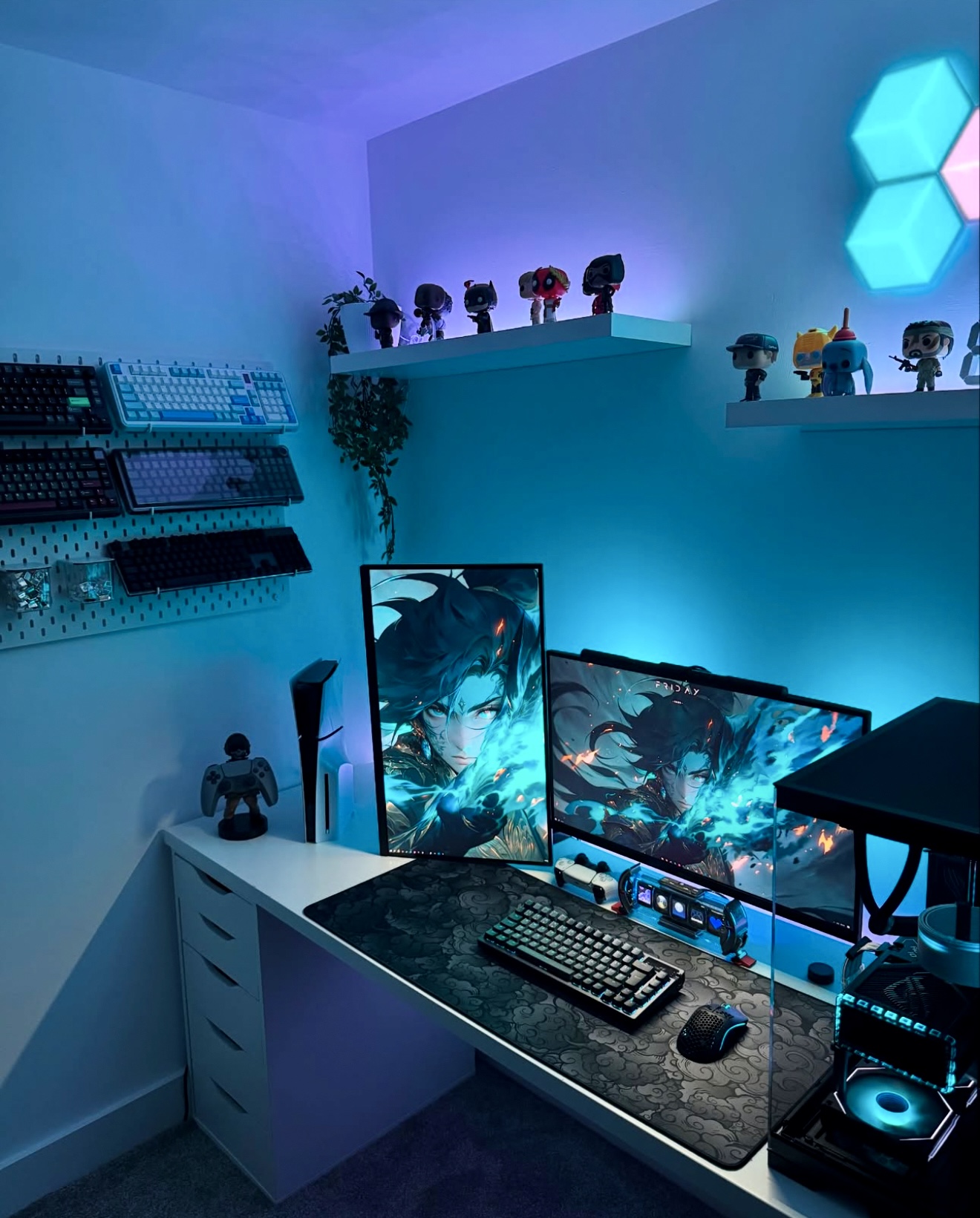

Gaming Room Setup 2026 Luxury Minimalist Cozy Bedrooms Ideas For 022 13.webp. Gaming Room Setup 2026 Luxury Minimalist Cozy Bedrooms Ideas For 020 13.webp. 35 Gaming Room Setup 2026 Ideas That Redefine Cozy Minimalist And 2 2 . 35 Gaming Room Setup 2026 Ideas That Redefine Cozy Minimalist And 24 2 . Gaming Room Setup 2026 Luxury Minimalist Cozy Bedrooms Ideas For

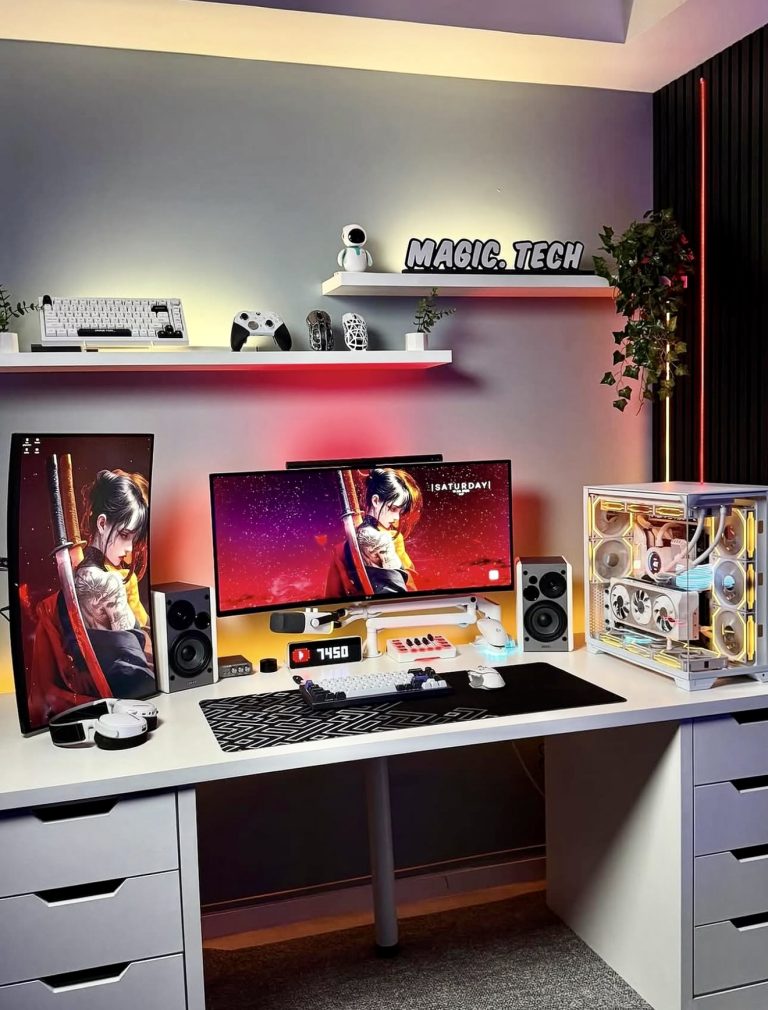
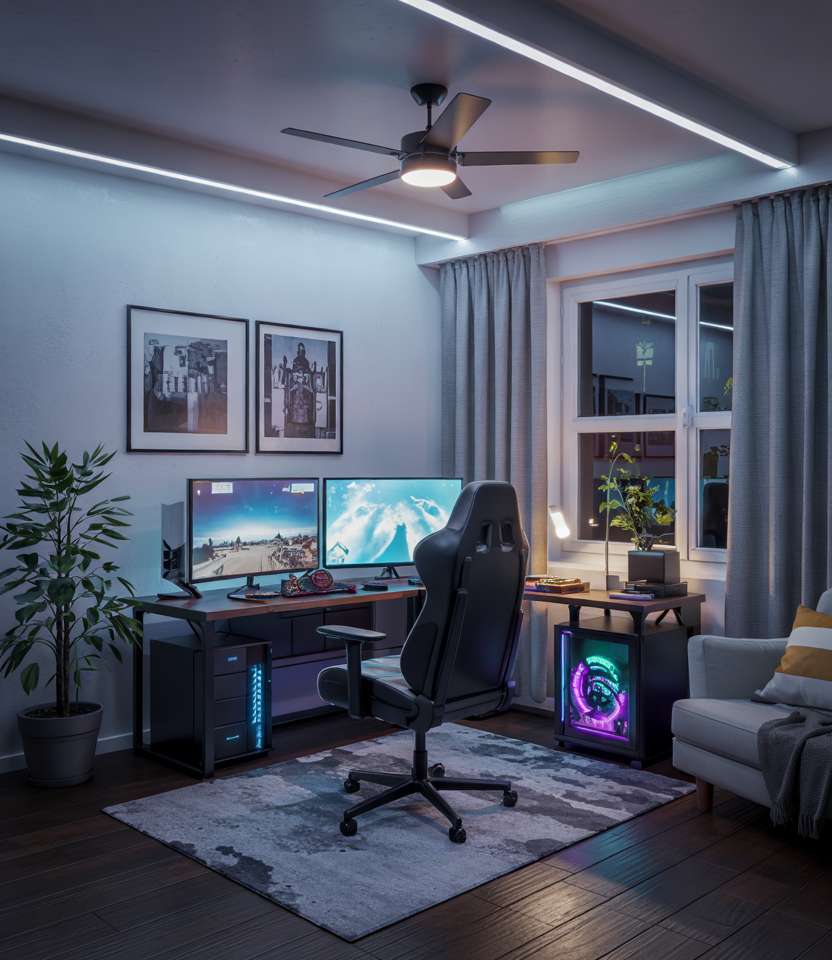
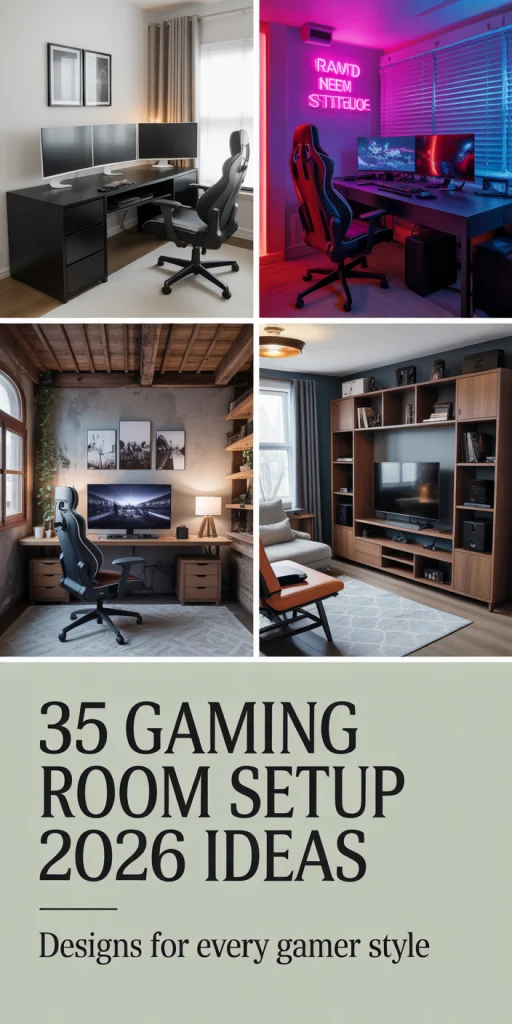
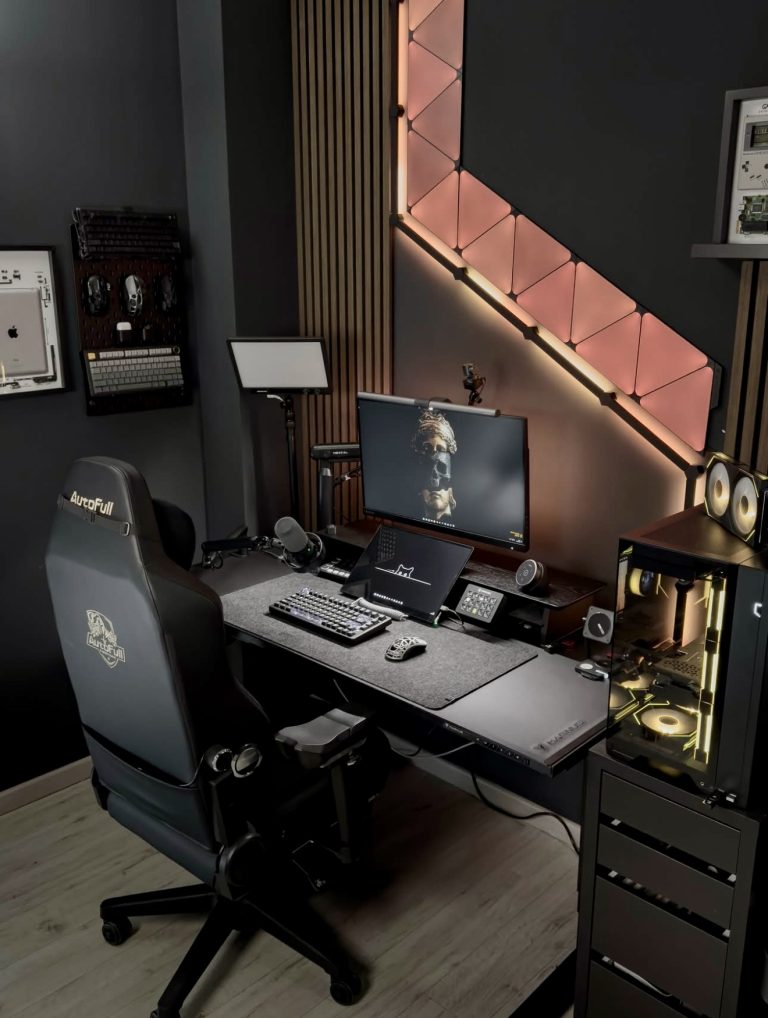
30 Stunning Gaming Bedroom Ideas In 2023 Displate Blog Gamer . 35 Gaming Room Setup 2026 Ideas That Redefine Cozy Minimalist And 10 2 768x1010 . Gaming Room Setup 2026 Luxury Minimalist Cozy Bedrooms Ideas For 20 18.webp. 35 Gaming Room Setup 2026 Ideas That Redefine Cozy Minimalist And 44 1. 35 Gaming Room Setup 2026 Ideas That Redefine Cozy Minimalist And 6 2 768x1018
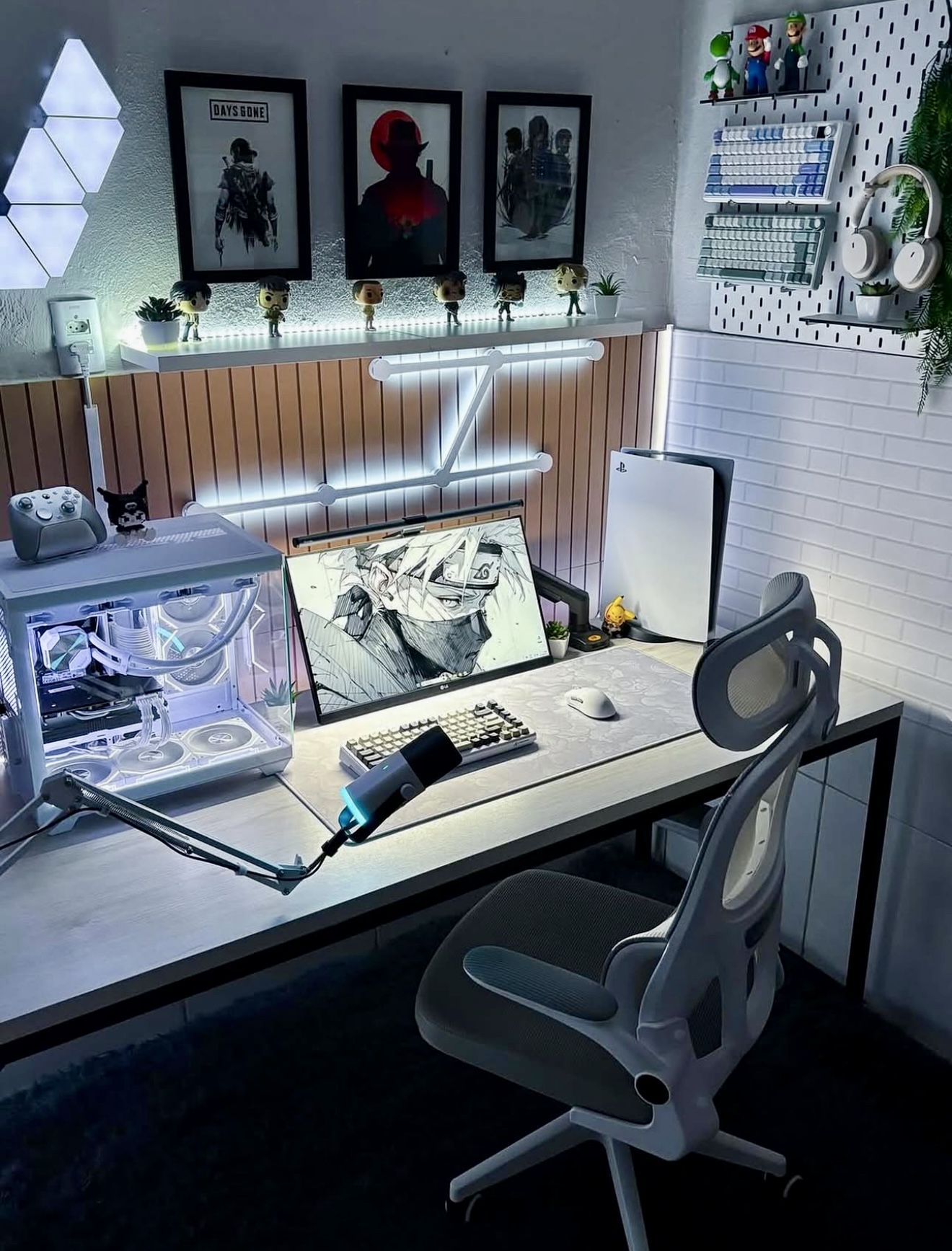
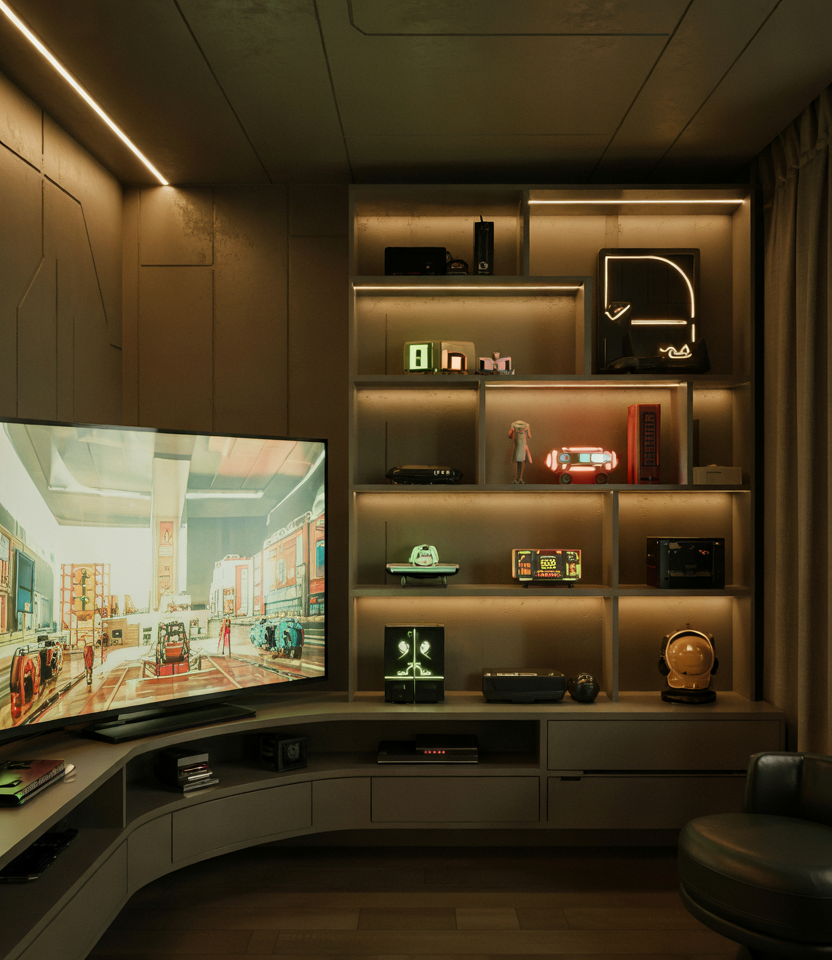
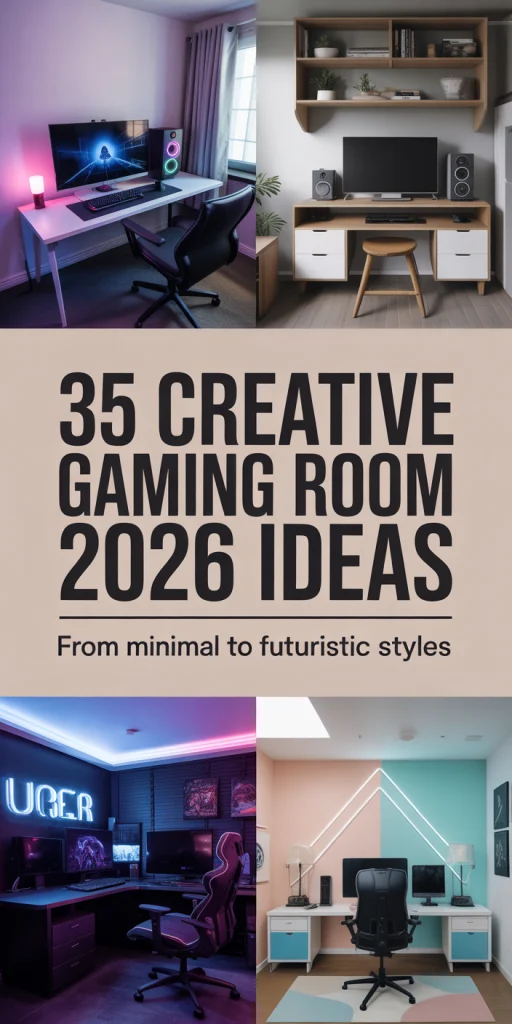
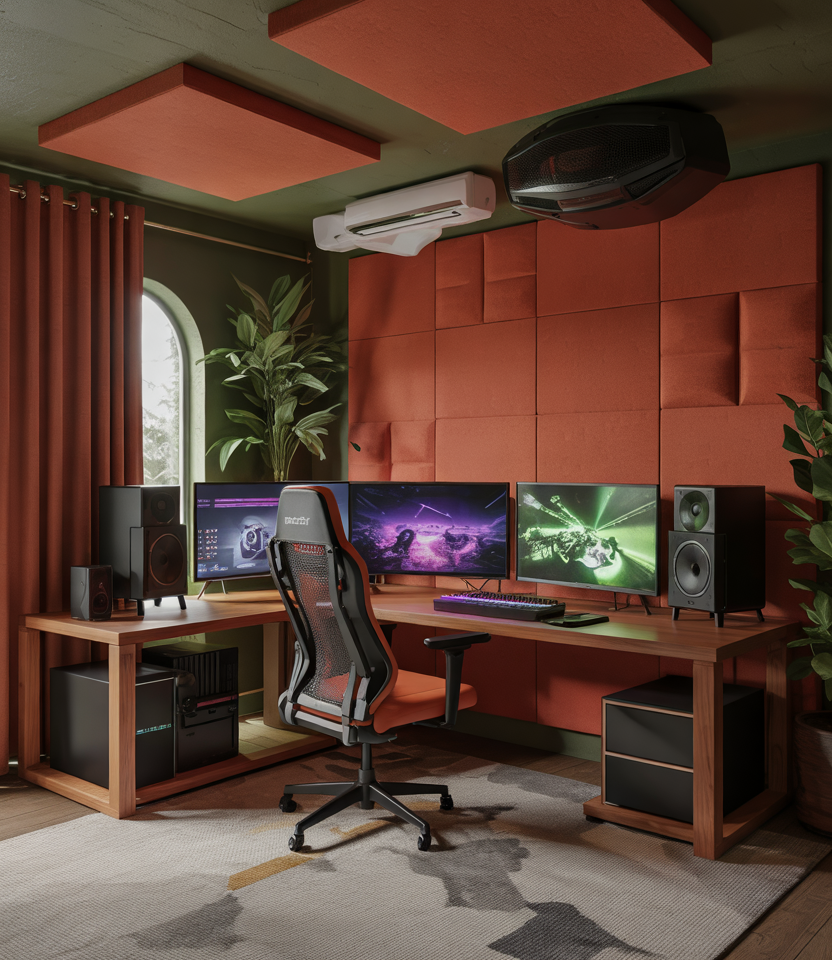
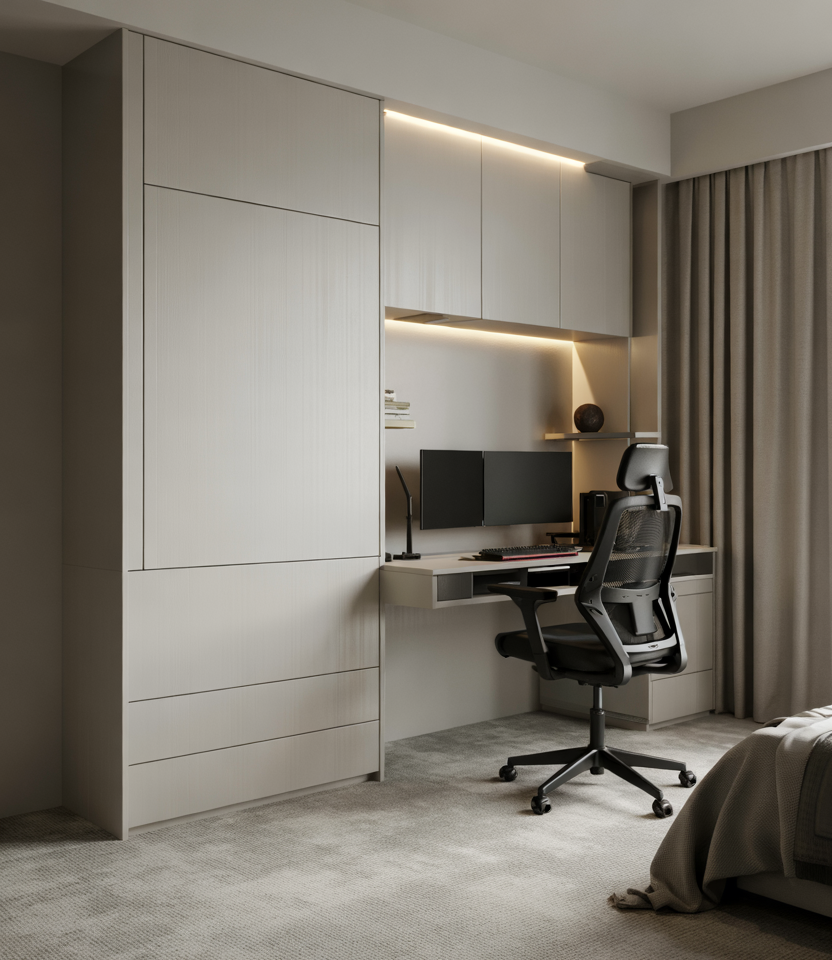
35 Gaming Room Setup 2026 Ideas That Redefine Cozy Minimalist And 16 2 . Gaming Room Setup 2026 Luxury Minimalist Cozy Bedrooms Ideas For 025 14.webp. 35 Gaming Room Setup 2026 Ideas That Redefine Cozy Minimalist And 33 3. Gaming Room Setup 2026 Luxury Minimalist Cozy Bedrooms Ideas For 016 15.webp. Gaming Room Setup 2026 Luxury Minimalist Cozy Bedrooms Ideas For 12 15.webp
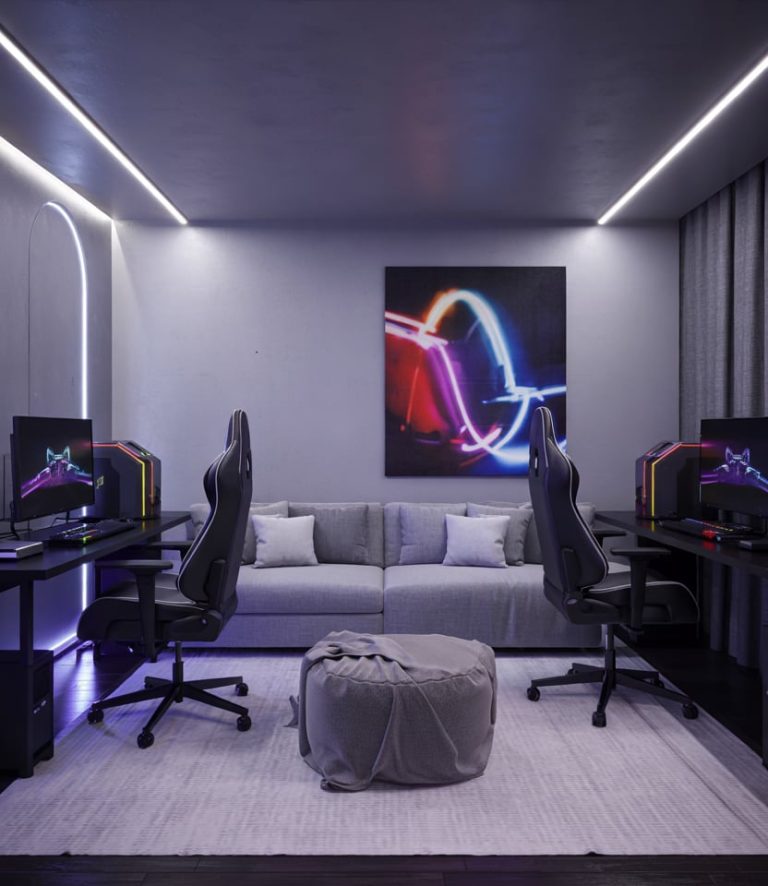
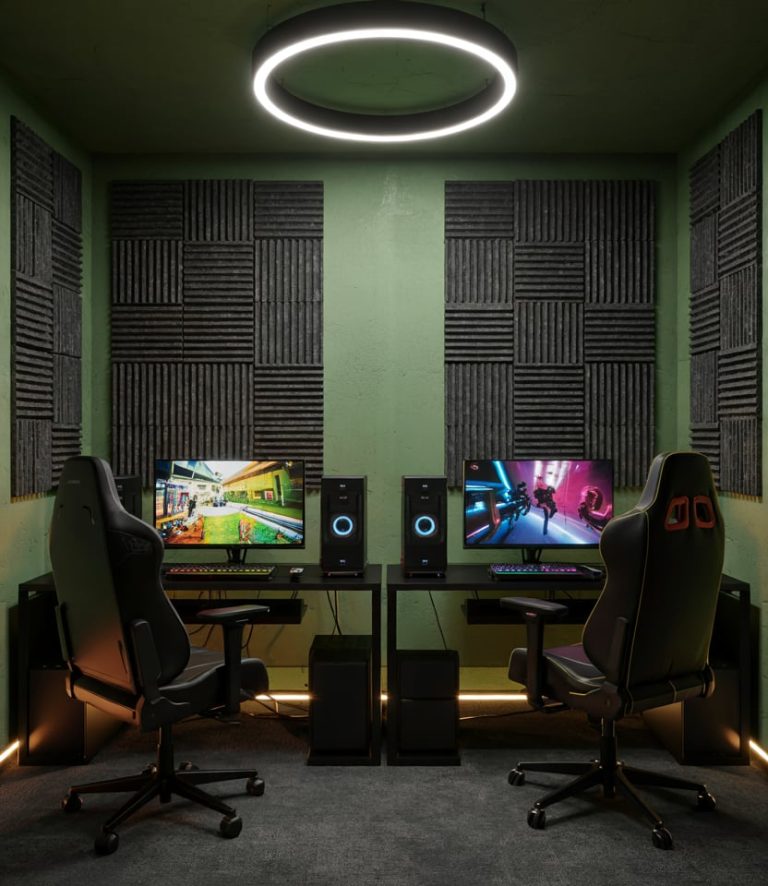
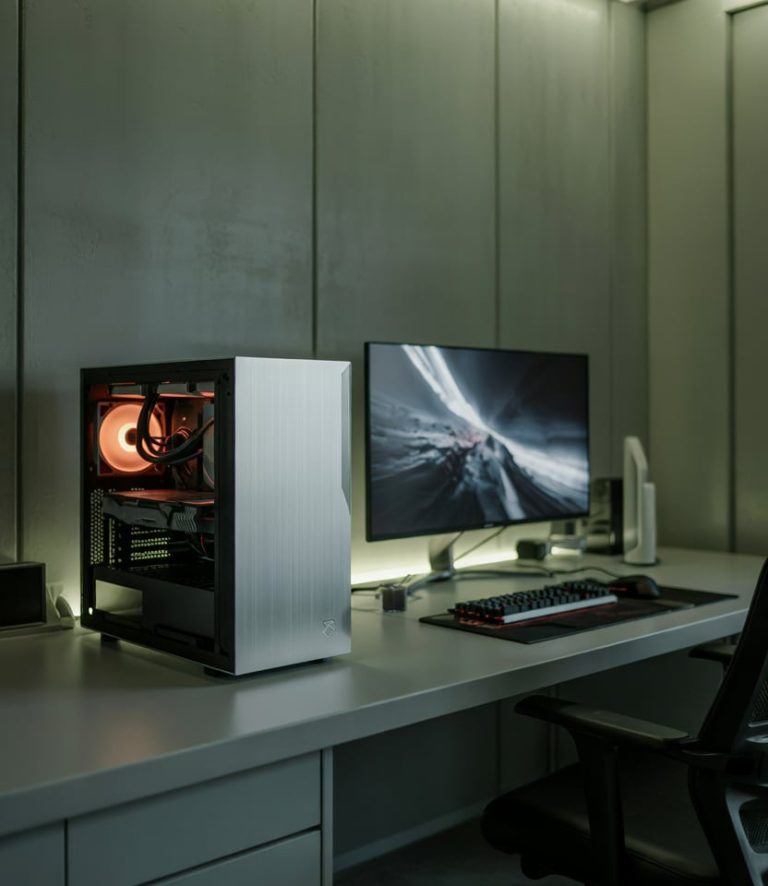
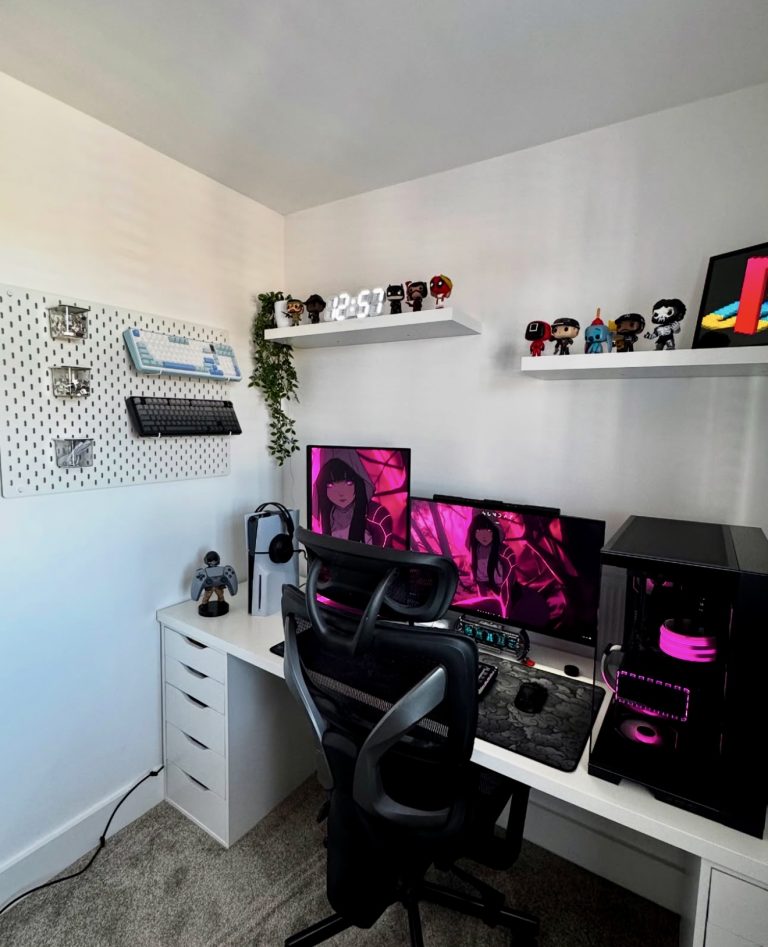
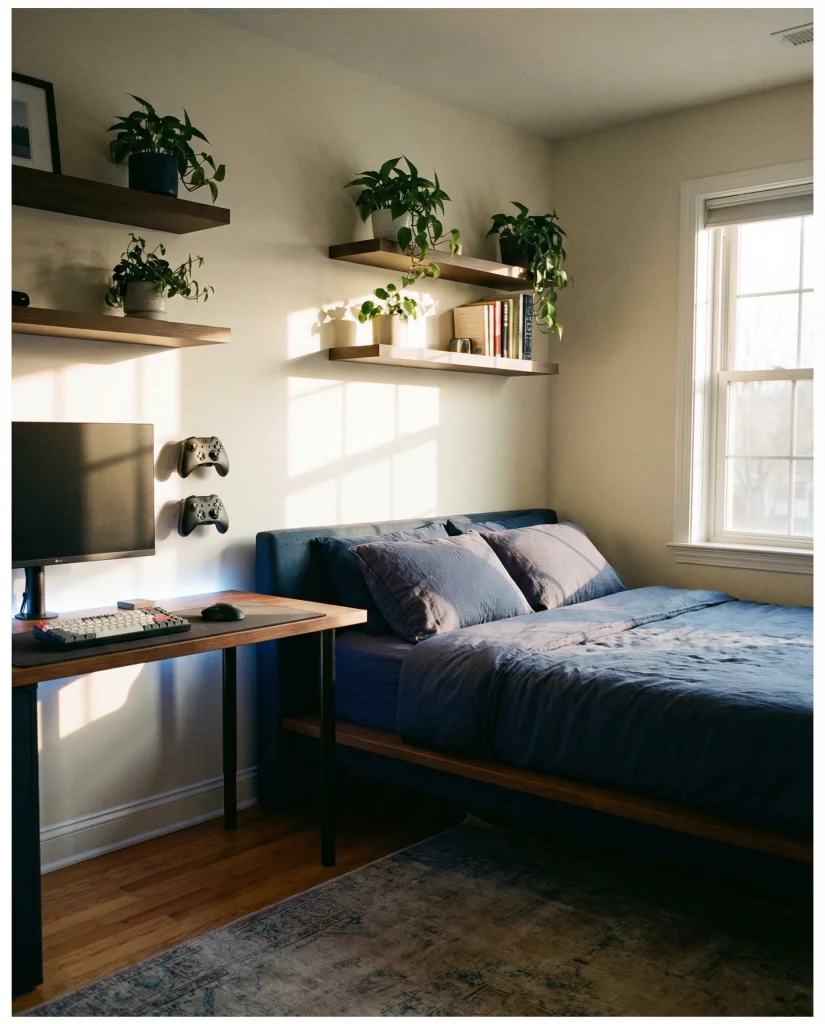
Gaming Room Setup 2026 Luxury Minimalist Cozy Bedrooms Ideas For 06 8 768x886 . Gaming Room Setup 2026 Luxury Minimalist Cozy Bedrooms Ideas For 014 6 768x886 . Gaming Room Setup 2026 Luxury Minimalist Cozy Bedrooms Ideas For 2 3 768x886 . 35 Gaming Room Setup 2026 Ideas That Redefine Cozy Minimalist And 5 2 768x947 . Gaming Room Setup 2026 Ideas For Small Spaces Cozy Consoles Luxury Pc 6 Blue Minimalist Bedroom Setup
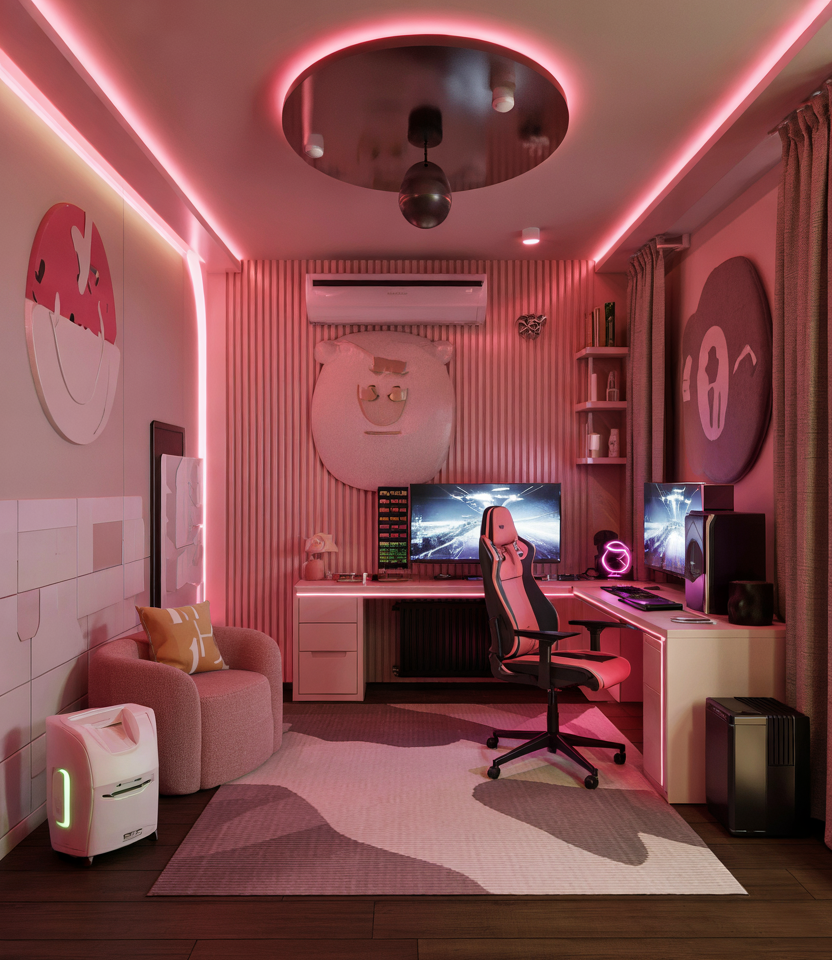
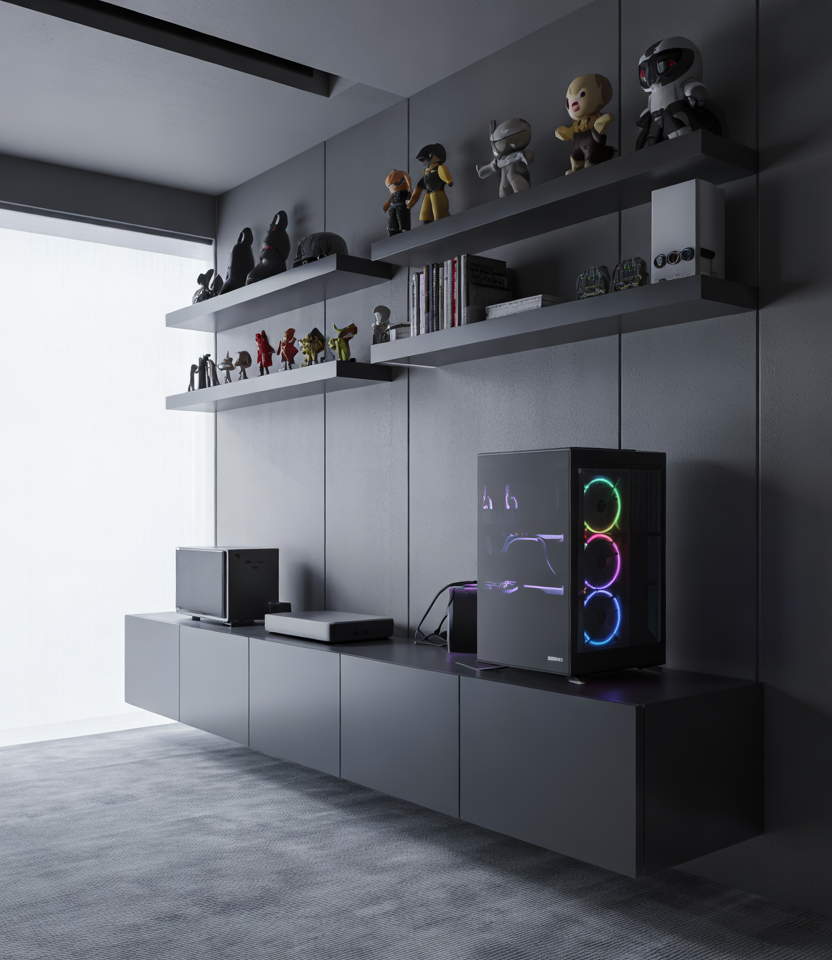
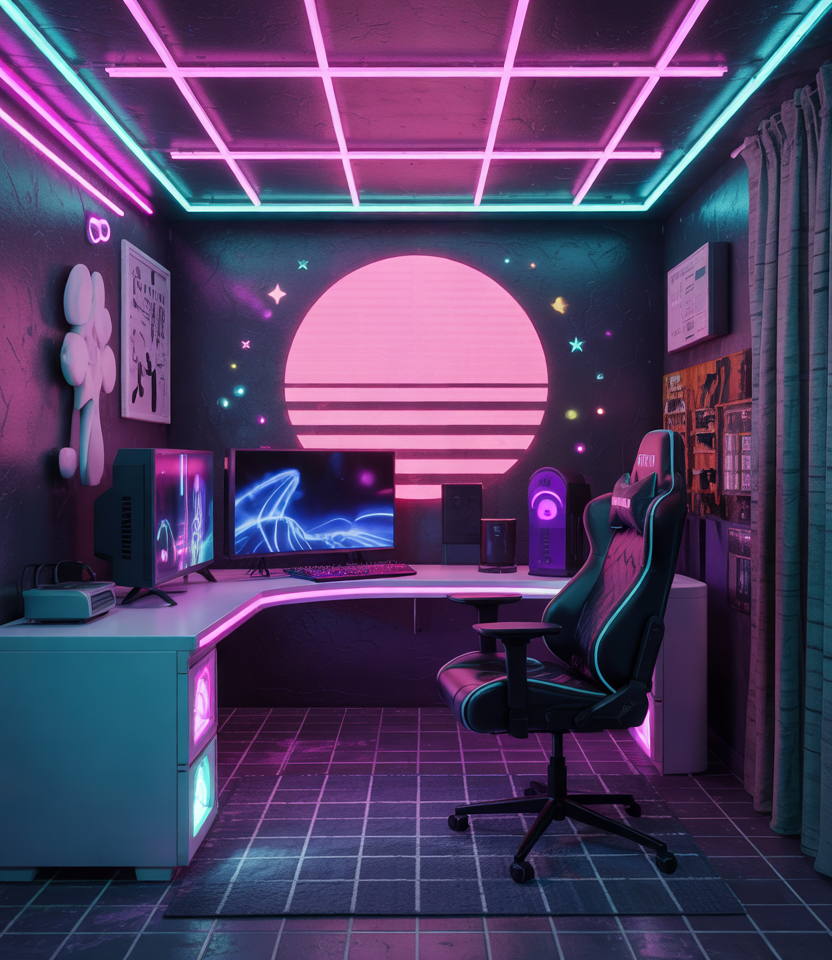

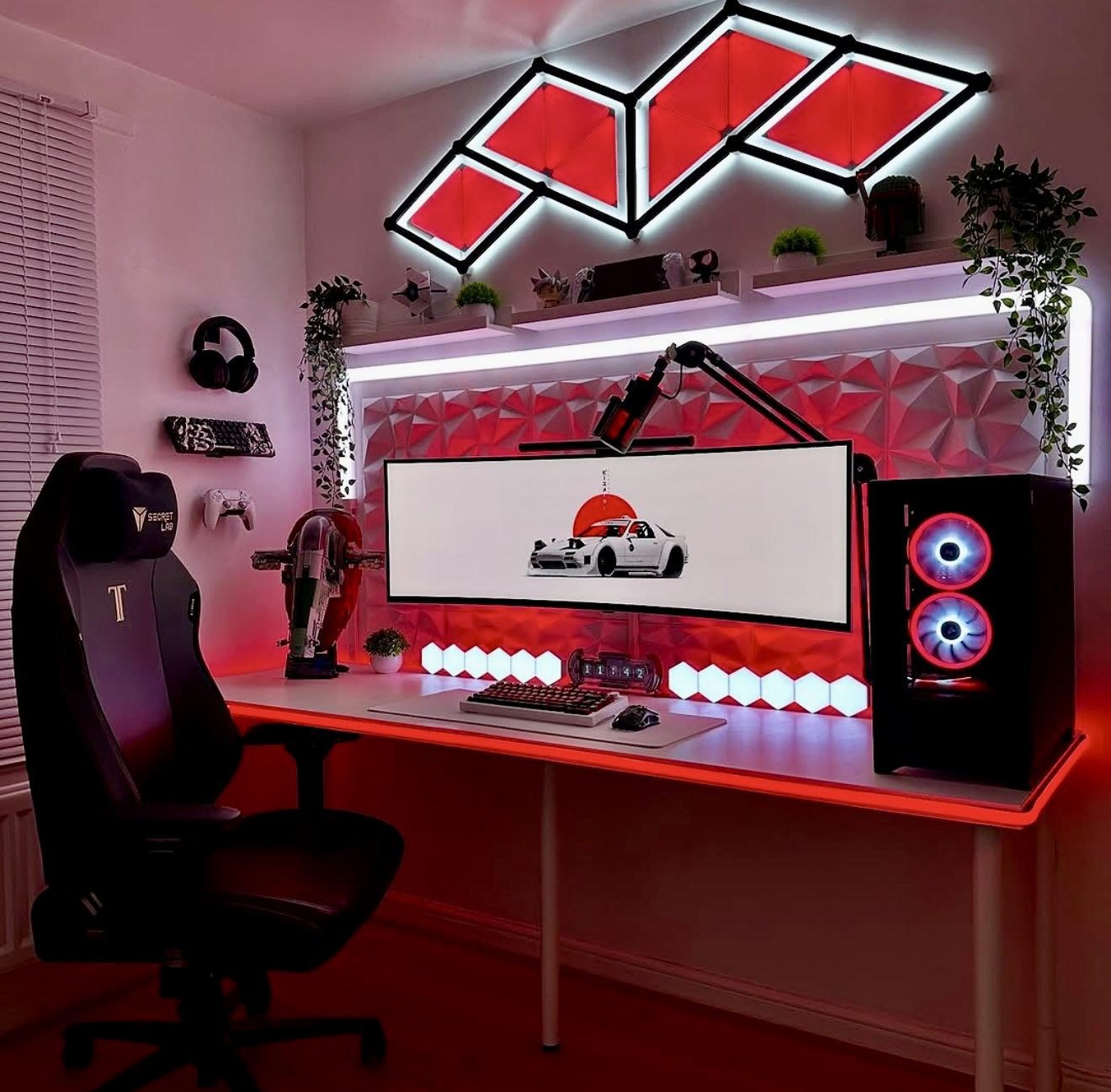
Gaming Room Setup 2026 Luxury Minimalist Cozy Bedrooms Ideas For 7 16.webp. Gaming Room Setup 2026 Luxury Minimalist Cozy Bedrooms Ideas For 013 13.webp. Gaming Room Setup 2026 Luxury Minimalist Cozy Bedrooms Ideas For 8 16.webp. How To Fit A Gaming Setup In A Small Bedroom . 35 Gaming Room Setup 2026 Ideas That Redefine Cozy Minimalist And 20 2